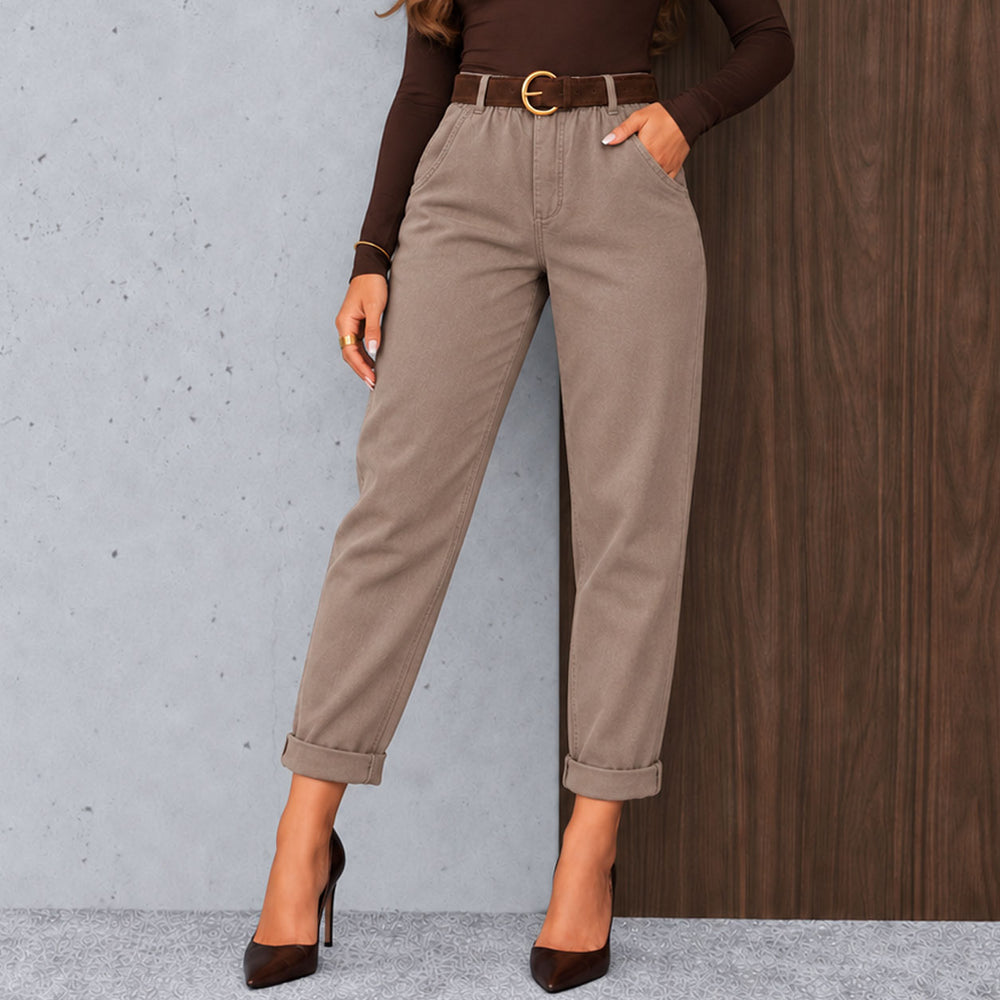
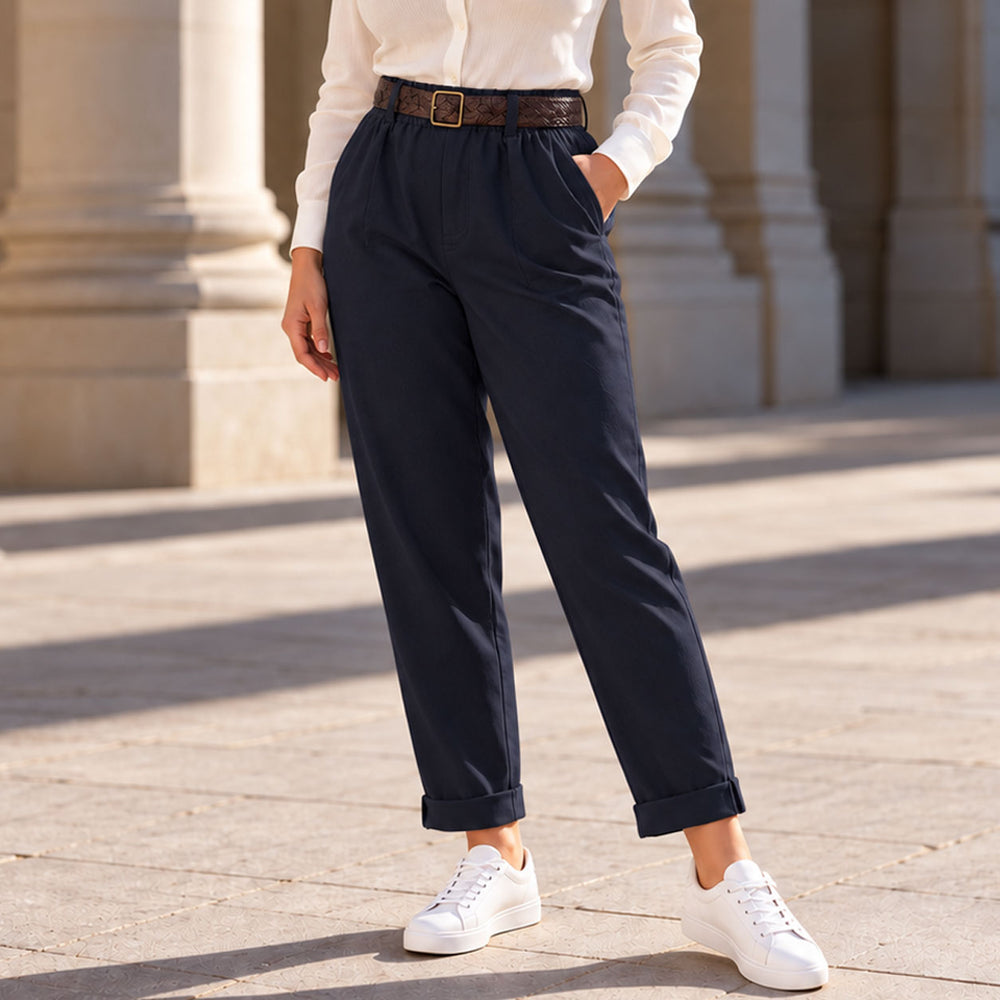
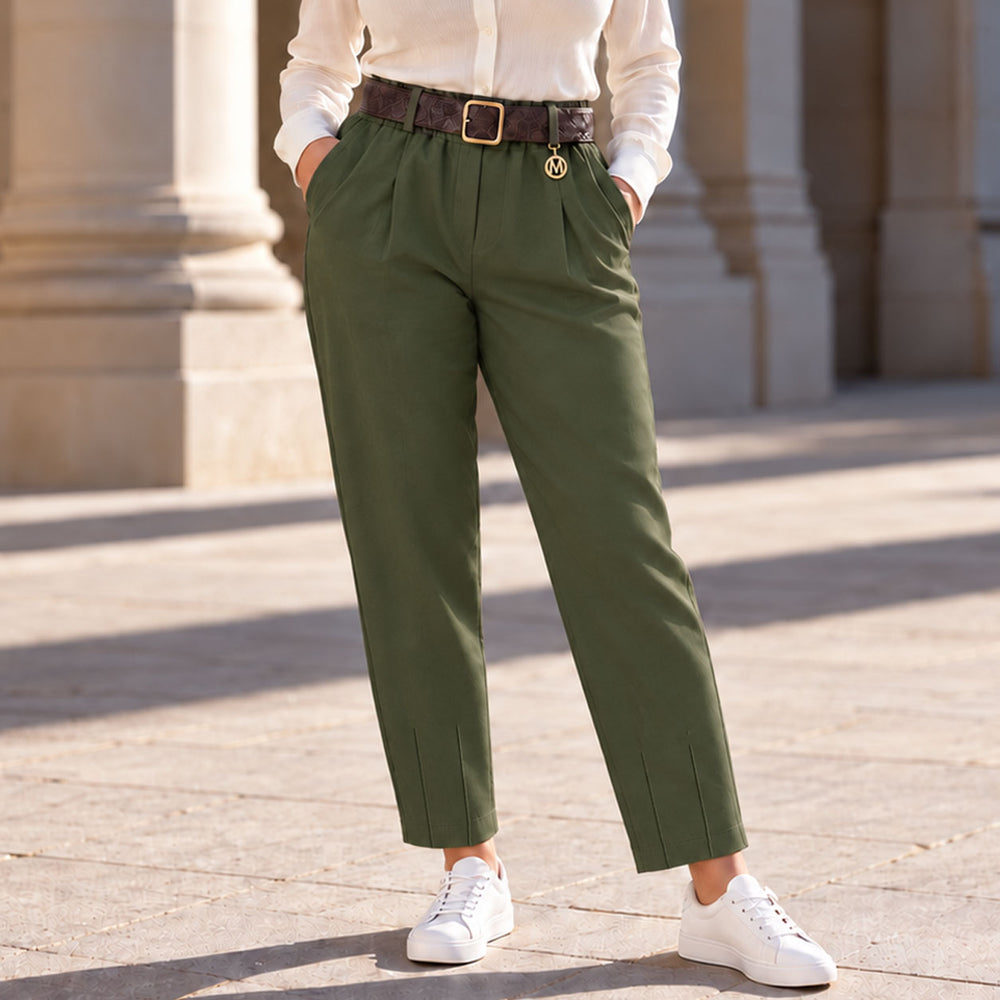
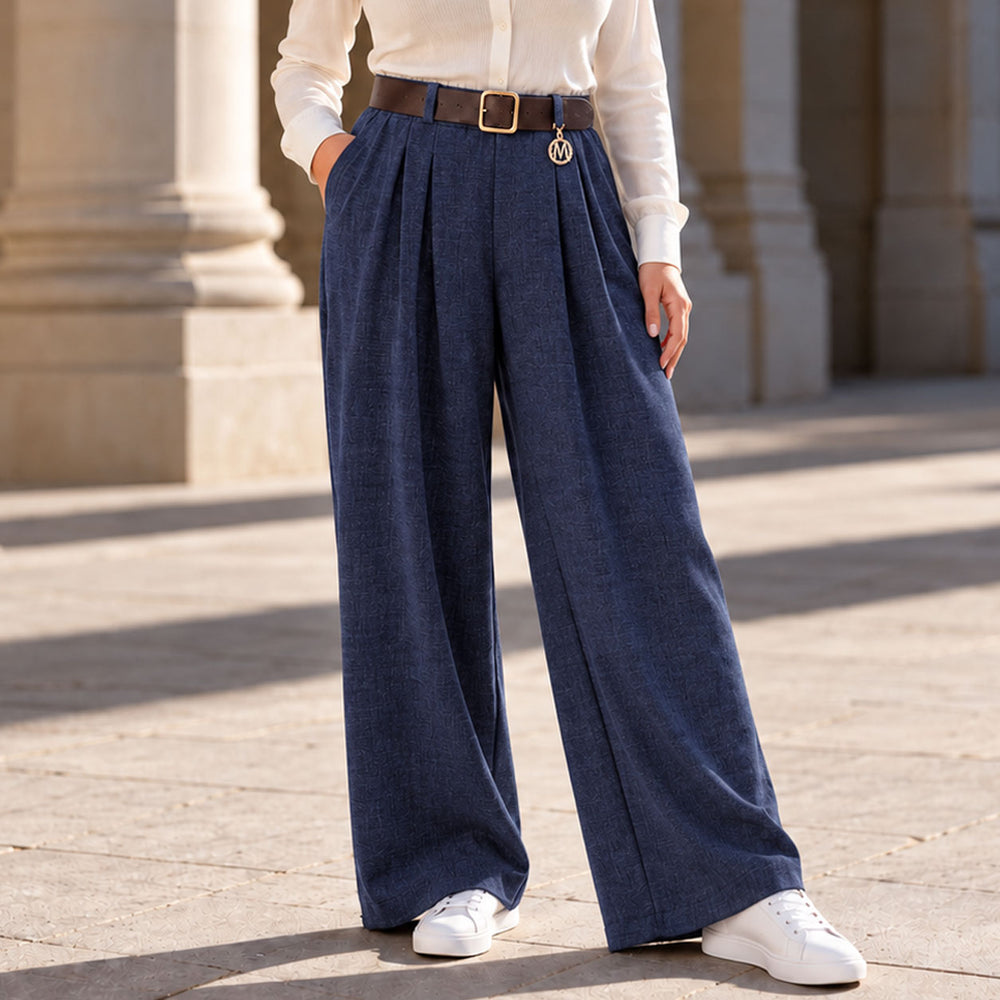
23, 24, 25, 26, 27 and 30, 31.12.2023 - days off
01.01.2024 - day off
22.11.2023 - campaign ???? BLACK FRIDAY ???? UP TO 50% OFF selected products—campaign period: 24–26 November 2023 at the online store www.modish.bg. Other promotional discount codes are not valid on the website during the campaign.
14, 15, 16 and 17 April 2023 - days off
01, 08 and 24 May 2023 - days off
10.04.2023 - Campaign ???? EASTER ??UP TO 15% OFF THE NEW COLLECTION—from 17:00 on 10 APRIL 2023 until 18 APRIL 2023 at the online store www.modish.bg
23.12.2021 - Holiday operating hours for the online store www.modish.bg:
24, 25, 26, 27, 28 and 31.12.2021 - days off
01, 02 and 03.01.2022 - days off
21.10.2021 - From 22.10.2021, you can use the code /coupon/ modish20 for an additional 20% discount. Enter the discount code in the "Apply coupon" field in the shopping cart, and the discount will be reflected in the product price immediately. The discount code is valid ONLY for orders placed through the shopping cart. The discount code is NOT valid for quick orders placed through the system or by phone.
24, 25, 26, 27 and 28.12.2020 - days off
31.12.2020, 01, 02 and 03.01.2021 - days off
Orders placed through the system and quick orders will be processed on the first working days, 29.12.2020 or 04.01.2021.
During the holidays, you can also send your enquiries through the website contact form at https://modish.bg/контакти.html
Happy holidays from the MODISH team!
09.12.2020 - Campaign ???? CHRISTMAS ???? UP TO 60% OFF selected products—from 22:00 on 11 December 2020 at the online store www.modish.bg
15.11.2020 - Campaign ???? BLACK FRIDAY ???? UP TO 60% OFF selected products—campaign period: 20–30 November 2020 at the online store www.modish.bg
The MODISH News page brings together dated announcements and helps you understand their historical context without automatically treating them as current terms.
The archive contains posts about campaigns, codes and changes to operating hours. The date—and the period, when specified—forms part of their meaning. An old announcement may explain what was announced at the time, but it does not determine the price, variant, schedule or eligibility for a discount on another purchase.
Identify the type of announcement
Campaign copy usually links an offer to a period, condition or code. An operational update provides information about arrangements such as operating hours on specific days. A post about a product group may direct you to a category or selection. Identify the type of content before looking for a practical action to take.
Then read the entire paragraph surrounding the date. A heading, percentage or code without the accompanying conditions can create a misleading impression. If the period has ended, treat the post as an archived reference. If it is not clearly stated, do not make assumptions about the missing boundary.
Searching the archive
If you know the approximate time, combine the topic with a year or month and compare the dates of the results. The same word may appear in different announcements covering unrelated periods. Open each result separately and note its title before deciding which text describes the case you are looking for.
From the archive to a product category
When the announcement mentions clothing, go to the women's clothing category. When searching in a plus-size context, use the separate plus-size clothing category. This keeps the archived text as historical context while the comparison continues within the relevant product group.
For a bag, go to women's bags and use only the information published for the specific model. If the content is about complementing an outfit, browse accessories. These links lead to product categories, but the terms of an old campaign do not automatically apply to them.
New Arrivals and Clearance Sale are separate selections
New Arrivals and Clearance Sale are separate navigation routes. Their names do not indicate when a product was added, whether it is discounted or what its price is. Use each page for browsing, and refer only to the individual product page for details about a specific item.
If an old announcement points to a route that no longer works, do not copy the address as a recommendation. Find the relevant category through the main menu and identify the exact model separately. A similar product in the same group is not necessarily an identical substitute.
What to check on the product page
For a specific item, use its name and any descriptions or images shown on the page. Include the size, colour, price or another variant in your comparison only when it is displayed for the product. Do not transfer features from an older model with a similar title or infer details about another item from an archived image.
Use composition, material, measurements and care information only when they are published for the selected item. A missing detail remains an open question. This is particularly important with archived content because its brief purpose does not always require a complete product description.
Operating hours and other operational updates
When reading an operating-hours announcement, check the dates and channel it applies to. A holiday schedule from a previous year does not determine the current calendar. If you need to plan a call or action, use the information on the relevant official page or send a specific enquiry through the contact page.
For general questions about products, sizes, orders, delivery and returns, you can first review the frequently asked questions. Look there for the general guidance relevant to your topic; an individual order will still require its order number and the appropriate contact channel.
News and editorial content
The News page contains brief, dated announcements. The blog is a separate section for broader editorial content. This distinction helps set the right expectation: an archived notice documents a specific communication, while an article may explore a topic without defining a condition for a specific purchase.
When sharing a link to old content, include the date and a brief explanation of why you are sending it. Do not present a code or percentage as a standalone quotation. The recipient should be able to understand whether they are viewing a historical reference, an idea or information that still needs to be checked on the relevant page.
Useful reasons to consult the archive
The archive can help you find when an announcement was published, how it was worded and the period to which it was limited. It is also useful when you want to reference the exact post in an enquiry. In that case, save the title, date and link, but state separately which question you want to clarify.
When comparing two news items, note the topic, period and product group of each one. A later date does not necessarily mean that both items concern the same case. Different codes, categories or calendar dates should remain separate unless the text itself links them.
Four steps for verification
Four steps are enough for a practical check: find the date, identify the topic of the announcement, open the relevant category and read the information displayed for the specific product or information page. Note the page title so that you do not confuse the two contexts, and record only the differences that matter to the decision. If anything remains unclear, send links to both contexts with one specific question.
For general browsing, return to the MODISH homepage and use the main navigation. The News page retains its role as an archive. This separation allows old announcements to remain useful for reference without presenting a past campaign or temporary schedule as current terms.